
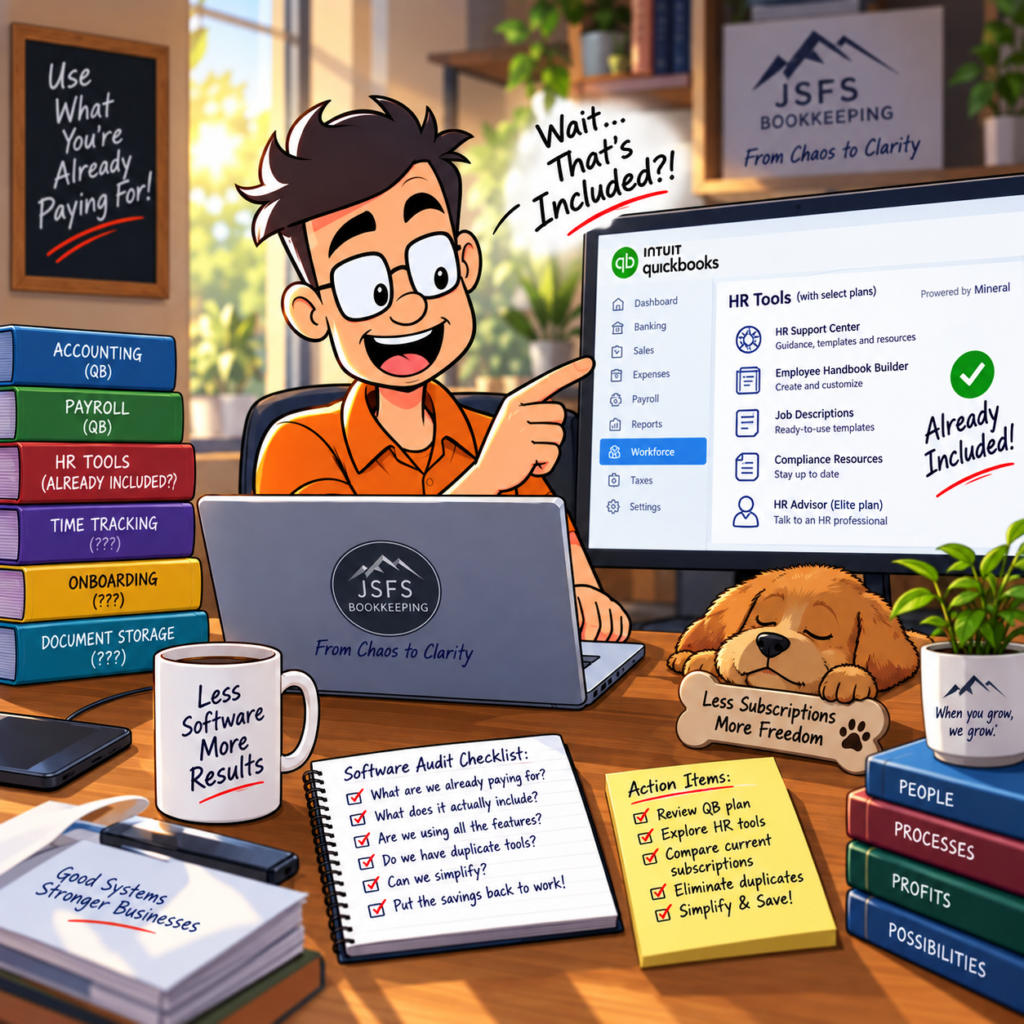
Small businesses have a habit of collecting software.
You start with accounting software.
Then you need payroll.
Then time tracking.
Then something for HR.
Then something for onboarding.
Then somebody recommends another program to help manage employee documents.
Before long, you’re paying for six different subscriptions—and aren’t entirely sure what three of them actually do.
Before buying another piece of software, I recommend asking a very simple question:
Are we already paying for something that does this?
For some QuickBooks users, the answer may be yes.
QuickBooks Has Been Expanding Beyond Accounting
QuickBooks is obviously best known as accounting software, but Intuit has continued expanding its payroll and workforce-management products.
QuickBooks Workforce now includes different HR capabilities depending on the subscription level.
For example, certain plans include access to HR resources powered by Mineral.
Depending on your plan, those resources can include an HR Support Center with information about topics such as:
- Compliance
- Hiring practices
- Employee management
- Employee handbooks
- Job descriptions
Higher-level plans may also provide access to an HR advisor.
That doesn’t mean every QuickBooks customer has every feature.
It means you should know what your particular subscription includes before paying somebody else for the same capability.
Start With an Inventory
This is something I recommend businesses do periodically with all of their software.
Make a list of everything you’re paying for.
Then ask:
What does this software actually do?
Who uses it?
How often do we use it?
Is another program already doing the same thing?
Are there features included in our subscription that we’ve never activated?
Are we paying for a higher subscription level because of one feature we don’t actually use?
This isn’t just a QuickBooks issue.
Software subscriptions are easy to add because $20 here and $50 there doesn’t seem significant at the time.
But multiply that across a dozen programs and twelve months, and suddenly you’re talking about real money.
Don’t Assume “Included” Means “Automatically Set Up”
There’s another side to this.
Discovering that your QuickBooks plan includes an HR resource doesn’t mean you should immediately cancel every other HR service.
First, determine what the included service actually provides.
An HR resource library is not necessarily the same thing as having an HR professional who knows your business.
Access to templates doesn’t necessarily mean those templates are appropriate for your state or particular situation.
And an HR advisor isn’t necessarily a substitute for an employment attorney when you have a legal issue.
The question isn’t:
“Can we get rid of everything else?”
The better question is:
“Are we paying twice for the same capability?”
Look at Your Entire Technology Stack
The same exercise applies beyond HR.
Look at your:
- Accounting software
- Payroll
- Time tracking
- Bill payment
- Expense management
- Receipt capture
- Customer invoicing
- Payment processing
- Document storage
- HR resources
- Project management
Small businesses sometimes end up with overlapping systems because each one was added to solve an immediate problem.
Nobody ever goes back afterward and asks whether the overall system still makes sense.
More Software Isn’t Always Better
I like technology.
I also spend a lot of time helping businesses deal with situations where too many systems have made things more complicated instead of less complicated.
Every additional program creates another login, another integration, another monthly charge, another place where data can live, and another potential point of failure.
Sometimes adding software is absolutely the right answer.
Sometimes the right answer is learning how to use what you’re already paying for.
Review Your Subscriptions at Least Once a Year
At least annually, pull a vendor-expense report and look specifically at recurring software charges.
You may be surprised by what you find.
That forgotten $39 monthly subscription is $468 a year.
Three of them are $1,404.
Five are $2,340.
None of those amounts are going to destroy a healthy business.
But spending money on tools nobody uses doesn’t help one either.
And this is exactly why reviewing financial statements matters.
Your Profit & Loss isn’t simply something your accountant needs at tax time.
It can tell you where your business is spending money—and give you a reason to ask whether you’re getting value from it.
Know What You’re Paying For
Whether you use QuickBooks, Xero, or another accounting platform, understand what is included in your subscriptions.
Technology should simplify your business.
If your software stack is getting more complicated every year, it may be time to review it.
Sometimes the solution isn’t buying another tool.
Sometimes it’s discovering that you already own the tool you needed.
At JS Full Service Bookkeeping, we don’t believe every problem requires another subscription. We believe in helping businesses understand the systems they already have and deciding what actually makes sense for the way they operate.
Because saving a business money isn’t only about finding a cheaper price.
Sometimes it’s simply about stopping paying twice for the same thing.
When you grow, we grow.