
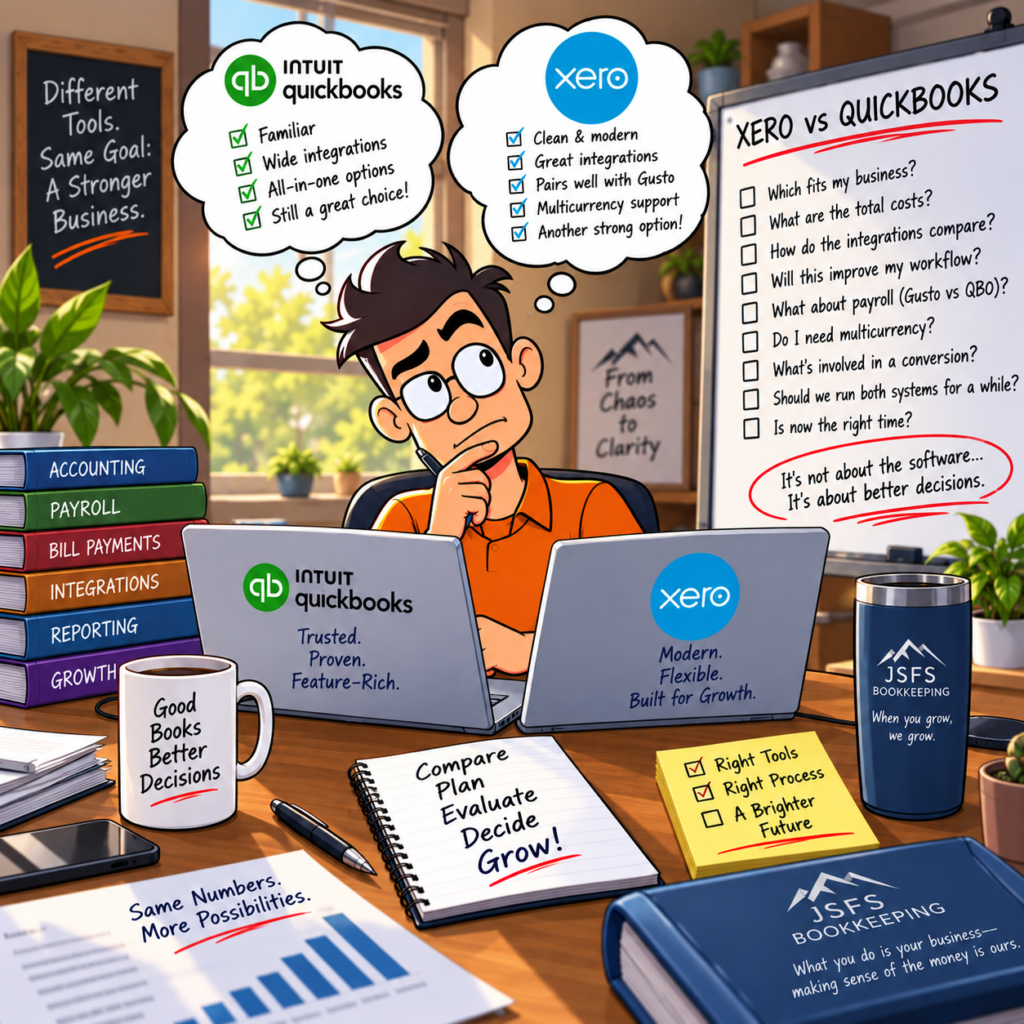
For years, when a small-business owner asked me what accounting software they should use, QuickBooks Online was usually the obvious answer.
QuickBooks has a huge presence in the small-business accounting market. Accountants and bookkeepers know it. There are integrations for almost everything. Payroll can be built into the same ecosystem. And finding someone who knows how to use QuickBooks usually isn’t difficult.
I have spent years working in QuickBooks, including working directly with Intuit, and JS Full Service Bookkeeping continues to support QuickBooks clients.
So why are we also working with Xero?
Because the accounting-software market is changing, and I don’t think every small business should automatically be put into the same system.
The better question isn’t:
“Is Xero better than QuickBooks?”
It’s:
“Which system makes the most sense for this particular business?”
QuickBooks Is Still a Very Good Accounting Platform
Let’s start there.
I don’t believe in recommending that businesses change software just because something different is available.
Changing accounting systems takes time. It costs money. Employees have to learn new processes. Integrations need to be changed. Historical information needs to be handled correctly.
If QuickBooks is working well for your business, your team understands it, the integrations you need are working, and the cost makes sense, there may be absolutely no reason to move.
That’s an important part of this conversation.
We’re not moving clients to Xero simply because we can.
There needs to be a reason.
So Why Are We Looking More Seriously at Xero?
One reason is simple: small businesses deserve choices.
QuickBooks pricing and product offerings have continued to evolve. As subscription costs increase, business owners should periodically ask whether they’re still receiving enough value from the system they’re using.
That’s true of QuickBooks.
It’s also true of Xero.
And it’s true of every other piece of software you’re paying for.
The accounting system that made sense when you had $100,000 in revenue, two employees, and one bank account may not be the system that makes sense five years later.
Your business changed.
It’s reasonable to ask whether your accounting system should change with it.
Xero Takes a Different Approach
Moving from QuickBooks to Xero isn’t simply learning where Xero put the QuickBooks buttons.
The two systems approach accounting differently.
That can be frustrating at first, particularly for someone who has spent years working in QuickBooks.
I’ve experienced that myself.
My first instinct when learning Xero wasn’t always, “That’s a great idea.”
Sometimes it was:
“Why doesn’t this work the way QuickBooks does?”
But that’s the wrong question.
Once you stop trying to make Xero behave like QuickBooks and start learning the workflow Xero was designed around, some of those differences begin to make more sense.
That is also why training matters during a conversion.
Changing the software without changing the process usually creates frustration.
The Ecosystem Matters as Much as the Accounting Software
One of the things I like about the Xero approach is the ecosystem surrounding the core accounting platform.
Instead of expecting one company to provide every business function, Xero integrates with specialized platforms for things like payroll, payments, bills, expenses, and other business needs.
Payroll is a good example.
Rather than requiring the accounting company itself to also be your payroll provider, a business can pair Xero with a payroll platform such as Gusto.
That approach isn’t automatically better for every company.
But I like the idea of being able to evaluate the accounting system and payroll system independently.
If one part of your technology stack no longer works for you, you may have more flexibility to change that component without replacing everything else.
Bill Payments and Cash Management Are Important Too
Paying vendors is another area where accounting technology has changed considerably.
Xero has continued expanding its payment capabilities and its connections with payment platforms. That gives businesses additional ways to build accounts-payable workflows around their particular needs.
The important thing isn’t the name of the payment application.
It’s the workflow.
How does a bill get into the system?
Who approves it?
How is it paid?
How does the payment get matched back to the accounting records?
Can we see what is outstanding?
Can we avoid entering the same information multiple times?
Those are the questions we care about.
Software should support the process—not become the process.
International Businesses May Have Additional Reasons to Look at Xero
Businesses dealing with multiple currencies deserve a separate conversation.
Once customers, vendors, bank accounts, or operations cross international borders, accounting can become significantly more complicated.
Currency conversion, exchange-rate changes, international payments, and reporting all need to be considered.
Xero offers multicurrency functionality on qualifying plans, which can make it worth evaluating for businesses operating internationally.
That doesn’t mean every international business should immediately switch to Xero.
It means multicurrency requirements should be part of the software decision rather than something discovered after the accounting system has already been selected.
What About ACH and Customer Payments?
Payment processing is another area where businesses should look beyond the accounting-software logo.
Ask what it actually costs to get paid.
Credit-card fees, ACH fees, transaction limits, processing time, and the ability to use third-party payment services can all affect the real cost of a system.
A small difference in processing costs may not matter very much when you’re collecting a few thousand dollars per month.
At higher volumes, it can matter quite a bit.
This is why I don’t like comparing accounting platforms based solely on the monthly subscription price.
The cheapest monthly subscription isn’t necessarily the cheapest system to operate.
You have to look at the whole picture.
Don’t Forget the Cost of All the Add-Ons
This is another place where software comparisons can become misleading.
Suppose Accounting System A costs more per month than Accounting System B.
System B looks cheaper.
Then you discover that you need:
Payroll.
Bill payment.
Receipt capture.
Time tracking.
Payment processing.
Inventory.
Reporting.
Project management.
Suddenly the comparison looks very different.
Before deciding whether QuickBooks or Xero costs less, determine what your business actually needs and price the complete technology stack.
That is a much more useful number.
A Conversion Shouldn’t Be a Leap of Faith
This may be the most important part of the entire discussion.
I don’t like the idea of shutting down one accounting system on Friday and hoping everything works perfectly in the new system Monday morning.
Your accounting records are too important for that.
When we’re considering a conversion, I prefer a controlled transition.
That can mean setting up Xero, converting the appropriate historical information, connecting accounts, configuring the chart of accounts, testing workflows, and making sure reports make sense before everyone is expected to depend on the new system.
For some businesses, running the systems in parallel for a period can be worthwhile.
Yes, that creates some additional work during the transition.
But I’d rather identify a problem while the old system is still available than discover it after we’ve already crossed the bridge and burned it behind us.
Historical Data Needs to Be Treated Carefully
Moving accounting software isn’t the same thing as moving a Word document from one folder to another.
Your accounting system contains relationships.
Customers owe invoices.
Bills are owed to vendors.
Payments connect to invoices.
Deposits connect to payments.
Bank accounts have reconciled balances.
Loans have balances.
Assets have historical costs and accumulated depreciation.
Payroll creates liabilities.
Owner equity has history.
If those relationships don’t migrate correctly, the new system can look fine while the financial statements are wrong.
That’s why one of our most important rules during a conversion is:
The new books have to tie back to the old books.
If the December 31 Balance Sheet in the old system says one thing and the opening Balance Sheet in the new system says something else, we need to know why.
“Close enough” isn’t a conversion strategy.
Sometimes a Conversion Reveals Problems That Were Already There
There’s another reality worth discussing.
When we convert accounting systems, we sometimes discover that the old books weren’t as clean as everyone thought.
Accounts may not have been reconciled.
Old receivables may still be sitting on the books.
Vendor balances may be incorrect.
Loans may not agree with lender statements.
Uncategorized transactions may have accumulated.
Owner transactions may be sitting in the wrong accounts.
Those aren’t conversion problems.
They’re bookkeeping problems that the conversion exposed.
And I would rather find them than carry them into another accounting system.
There isn’t much value in moving messy books from QuickBooks into Xero and ending up with new software containing the same old mess.
Sometimes cleanup needs to happen before—or as part of—the conversion.
When Does Staying With QuickBooks Make Sense?
There are plenty of situations where my recommendation would be to leave things alone.
If your company has a mature QuickBooks setup, your staff is comfortable with it, your accountant prefers it, your integrations depend on it, and the system is giving you the information you need, switching may provide very little benefit.
Changing software simply because another platform exists isn’t good business.
There should be a measurable reason for making the change.
Maybe it’s cost.
Maybe it’s workflow.
Maybe it’s integrations.
Maybe it’s international operations.
Maybe it’s reporting.
Maybe you’ve simply outgrown the way your current system is configured.
Whatever the reason is, identify it before deciding to convert.
Otherwise, how will you know whether the conversion actually solved the problem?
When Might Xero Be Worth Considering?
Xero deserves a serious look when you’re already reevaluating your accounting technology, particularly if you want a different ecosystem or workflow.
It can also make sense for a new business that hasn’t built years of processes around another accounting platform.
Starting fresh is much easier than converting years of accounting history.
And businesses that need integrations, multicurrency capabilities, or a different combination of accounting, payroll, and payment tools may find Xero’s approach attractive.
Again, that doesn’t make Xero universally better.
It makes it another good option.
And I think having another good option is valuable.
We’re Supporting Both
JS Full Service Bookkeeping is expanding our Xero capabilities while continuing to support QuickBooks Online.
That’s intentional.
I don’t want our recommendation to a business owner to be determined by the only software we know how to use.
If QuickBooks makes sense, we’ll work in QuickBooks.
If Xero makes sense, we’ll work in Xero.
And if you’re considering moving from one to the other, we’ll help evaluate whether there is actually enough benefit to justify the disruption.
Because accounting software is a tool.
The goal isn’t to have QuickBooks.
The goal isn’t to have Xero.
The goal is to have accurate financial information that helps you understand your business and make better decisions.
Everything else is just how we get there.
At JS Full Service Bookkeeping, that’s ultimately what we mean when we say:
From Chaos to Clarity.